
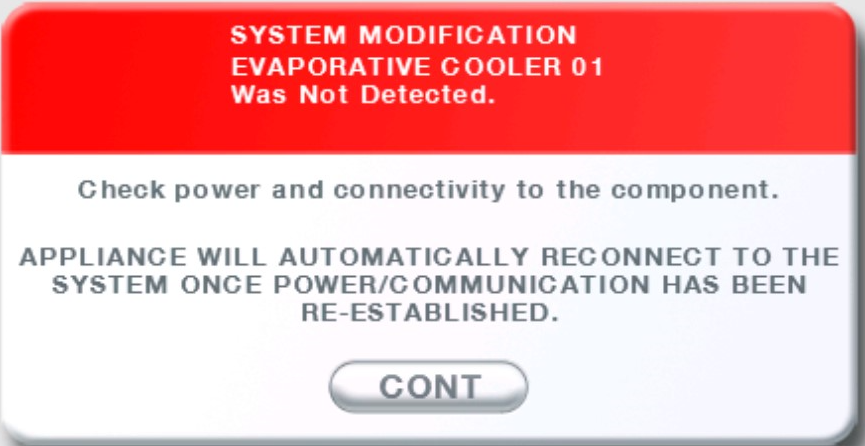
System Modification: Evaporative Cooler – “01 Not Detected” and/or No Green Flashing LED (Red SAL LED On)
Overview
This article covers troubleshooting steps for situations where the evaporative cooler displays “01 Not Detected”, the green flashing LED on the control box is not illuminated, the red SAL LED is on, or the MagIQtouch / MagIQcool controller is unresponsive.
These conditions often occur on systems that have been operating normally but later experience unstable or interrupted power supply, causing the internal electronics to latch up.
The following steps can reset the system without replacing any components.
1. Power Cycle the Appliance
- Turn off power to the cooler at the isolation switch or circuit breaker.
- Leave the power off for at least 2 minutes.
- Turn power back on and check controller and LED status.
This resolves most latch‑up issues.
2. Reset the MagIQtouch Controller (If Power Cycle Does Not Work)
If the cooler still does not respond or “01 Not Detected” remains:
- Remove the MagIQtouch controller from the wall bracket.
- Disconnect the communication cable from the back of the controller.
- Leave the cable unplugged for at least 1 minute.
- Reconnect the cable and allow the controller to reboot.
3. Check External Air Sensor (If installed)
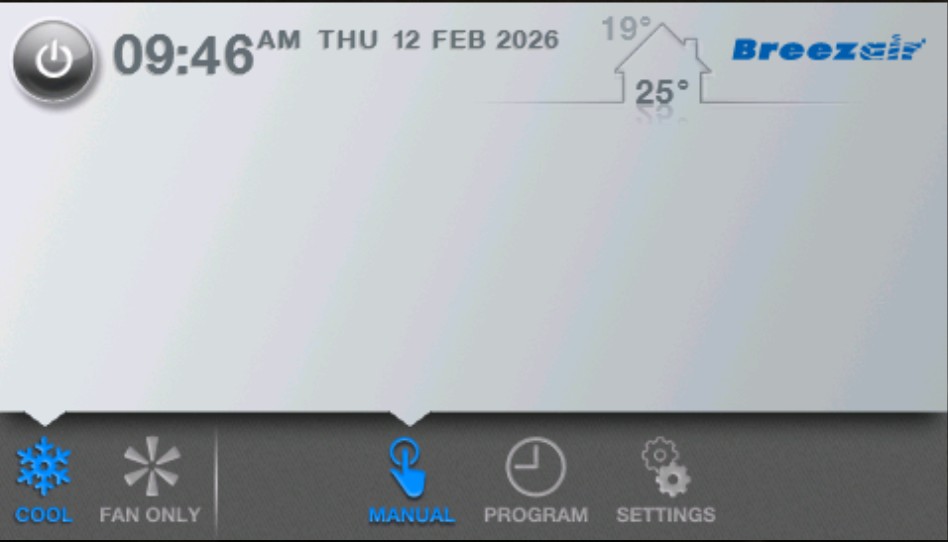
If the MagIQtouch controller displays an outdoor temperature, the system is fitted with an optional external air sensor (standard on EXS coolers manufactured before 2024).
A faulty external air sensor can cause communication issues between the controller and the cooler’s control box, leading to symptoms such as:
- 01 Not Detected
- Controller not responding
- LED status faults (e.g., red SAL LED on, no green flashing LED)
A licensed technician may need to physically disconnect the external air sensor from the control box inside the cooler for diagnosis or replacement.
Important:
Disabling the external air sensor in the MagIQtouch Cooler Settings will not resolve a communication fault caused by a faulty sensor. The sensor must be physically disconnected to eliminate it as the cause.
4. Notes for MagIQcool Systems
For systems using a MagIQcool controller:
- The same issue may occur after unstable or interrupted power.
- Follow the same 2‑minute power cycle reset described in Section 1.